A full store audit sounds like a week of work, so it rarely gets done. You don't need a week. You need the right order: check what shoppers run into first, fix what costs the most, and leave the tidy-up for later.
- Start with links and pages, because a broken page stops a sale outright.
- Then check theme and scripts, which decide how fast every page loads.
- Next, review the data behind the store: products, discounts and metafields.
- Finish with files and AI visibility, then fix in order of impact, not in order of discovery.
Why the order matters
Most audits fail because they start with whatever is easiest to open. A better rule: begin where a problem can end a visit, then move to problems that slow a visit down, then to problems that only show up over time. The eight areas below are the same eight checks behind the Store Health score, grouped into four passes.

Pass 1: Links and pages
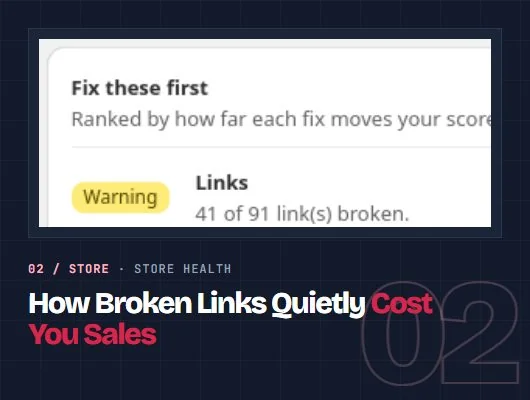
A shopper who clicks a menu item, an old email or a search result and lands on "Page not found" has nowhere to go. Google treats it the same way: a URL that returns a 404 is dropped from the index if it was there before. Look first at your navigation, footer, homepage buttons and any links in live campaigns. Broken links get their own deep dive in how broken links quietly cost you sales.
Pass 2: Theme and scripts
Shopify lists theme code, apps, images, videos and tracking among the features that each affect your store's web performance. Speed is judged on loading, responsiveness and visual stability, the three Core Web Vitals.
For a merchant, this pass is mostly about scripts you no longer need. Open Settings > Apps and ask of each app: do I still use it? Keep in mind that some apps add theme code that isn't removed when you uninstall them, so an app you dropped last year may still be loading on every page. Then look at your live theme for sections you added and never used.
Every script on your storefront has to earn its place. If you can't say what it does for sales, question it.
Pass 3: Products, discounts and metafields
This pass is about the data shoppers read and rely on. Small errors here don't break a page, but they quietly cost trust and orders.
- Products: titles, prices, images and descriptions are complete on your best sellers.
- Discounts: filter your discount list by status and deactivate codes you no longer want used. An old code still live in a coupon site is a margin leak. If you reward order size, see how to set the right free shipping threshold.
- Metafields: metafields hold custom details such as size charts or care instructions. Empty or outdated values show up as blank sections on product pages.
While you're in the data, check what happens at the end of the journey too. Five checkout rules worth setting up covers the orders that should never get through.
Pass 4: Files and AI visibility
Files build up in every store: old banners, replaced product photos, PDFs from past campaigns. This is a tidy-up job, and it rarely beats a broken page for urgency.
AI visibility is about whether search and AI tools can understand your store. Google says there are no extra requirements to appear in its AI features: pages need to be crawlable, indexed and clear in text. Structured data that matches what's on the page helps Google read it. Useful written content helps too, which is the idea behind Shopify blog posts that rank.
Prioritise fixes by impact
An audit usually finds more than you can fix in a day. Don't work through findings in the order you found them. Sort them first:
- Fix what stops a sale.Broken pages, dead buttons and wrong prices come before anything cosmetic.
- Then fix what touches every visit.A heavy script slows every page, so it outranks a problem on one old page.
- Weigh effort against gain.A five-minute redirect that saves a top landing page beats a two-day theme rebuild.
- Re-check after you fix.Run the audit again so you know the fix worked and nothing new broke.
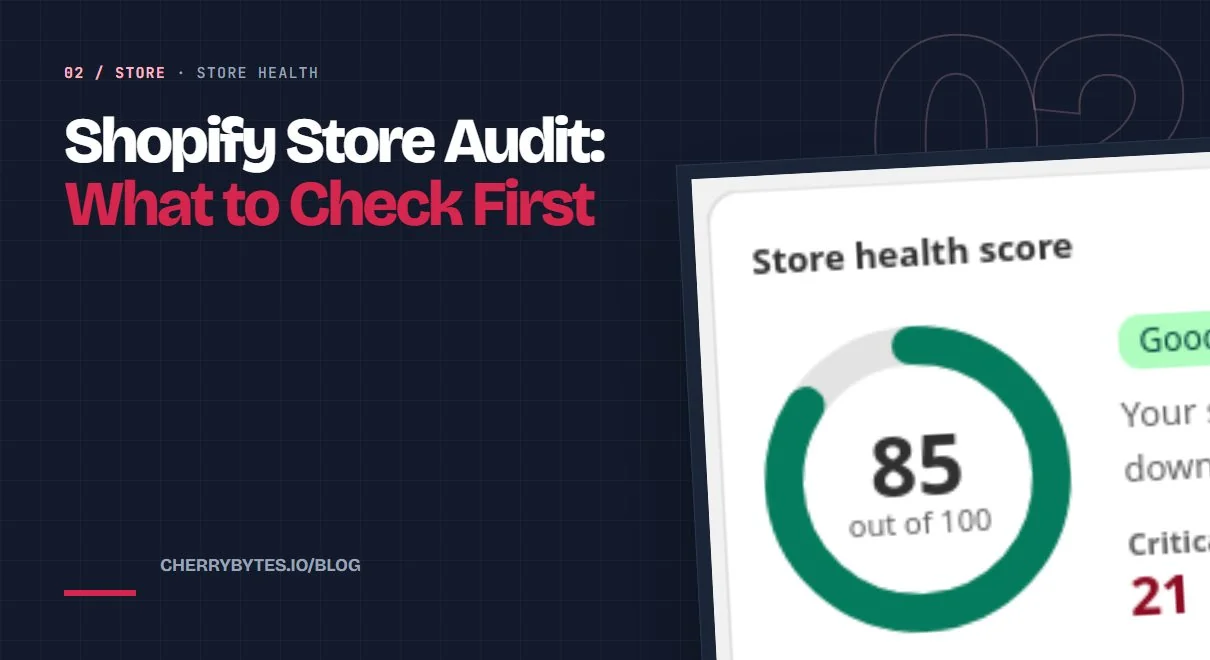
Store Health does this sorting for you. One scan gives a score out of 100 and ranks findings by how far each fix moves your score, so the top of the list is always the place to start.

After the first pass, set a schedule. Store Health can scan daily, weekly or monthly in your own timezone, and you can compare two scans to show what improved. See the full list of eight checks behind the score, or read the Store Health FAQ. For more on fixing the places stores leak sales, browse the CherryBytes blog.
Questions merchants ask
How often should I audit my Shopify store?
Run a full audit after any big change, such as a new theme, a new app or a catalog clean-up, and keep a regular scan running in between. Store Health scans daily, weekly or monthly, in your timezone.
Can a store audit app change my store?
Some apps ask for write access. Store Health has read-only access, so it cannot change anything on your store.
What should I fix first after an audit?
Start with problems that stop a sale, such as broken pages, then problems that affect every visit, such as heavy scripts. Store Health ranks findings by how far each fix moves your score.