In the holiday rush, your best sellers are the ones most likely to sell out, often just when demand peaks. You can't always avoid a stockout, but you can decide in advance what a sold-out page does. Here is a plan for before, during and after the rush.
- Use Shopify's inventory reports now to see which products will run out first.
- Decide what each sold-out page should do: take preorders, collect alerts or point elsewhere.
- Only promise dates you can keep, and say clearly when an order arrives after the holiday.
- Keep sold-out pages live, with alternatives, so the shopper doesn't leave empty-handed.
Spot stockouts before they happen
Shopify's inventory reports show where you will run short. Three are especially useful before peak season:
- Inventory remaining per product: an estimate of how long your tracked stock will last.
- Inventory sold daily by product: the average units each variant sells per day.
- ABC product analysis: grades variants by their share of revenue, so you know which stockouts would hurt most.
Holiday sales move faster than your usual average, so treat those estimates as a best case. Where a key product looks short, reorder now. A Shopify purchase order keeps a record of incoming inventory, so you know what is on the way.
Decide what each sold-out page should do
By default, when a tracked product reaches zero, customers can't add it to their cart. That ends the sale. Make one decision per product instead, based on when new stock arrives:

- Restock arrives in time to ship before the holiday:take preorders and show the ship date.
- Restock arrives after the holiday:preorders or Notify Me signups still work, as long as you say plainly that it won't arrive in time.
- No restock date:collect Notify Me signups and point shoppers to similar products.
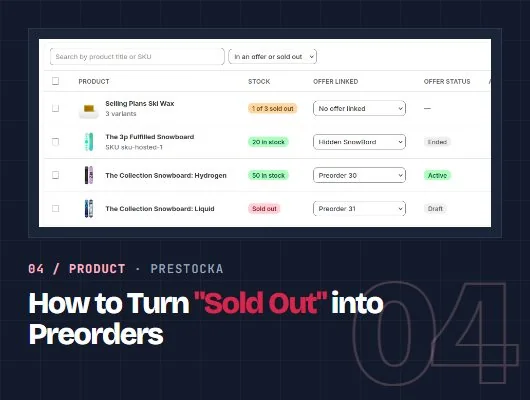
Whatever you promise, keep it. The FTC's Mail, Internet, or Telephone Order Merchandise Rule requires a reasonable basis for any shipping time you state. If you can't ship on time, you must give buyers the choice to agree to the delay or cancel for a prompt refund. For setting terms, see how to turn "Sold out" into preorders.
Set it up before the rush, not during it
Shopify supports pre-orders through an app, with full, partial or no payment at the time of order. Setting offers up product by product in December is slow, so prepare them now.
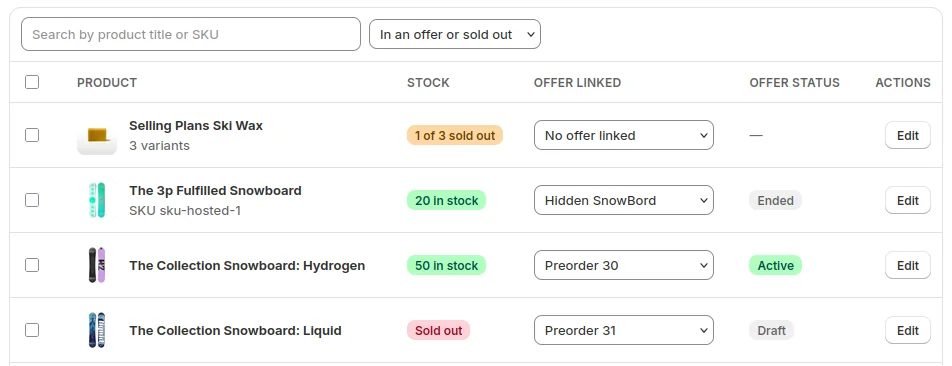
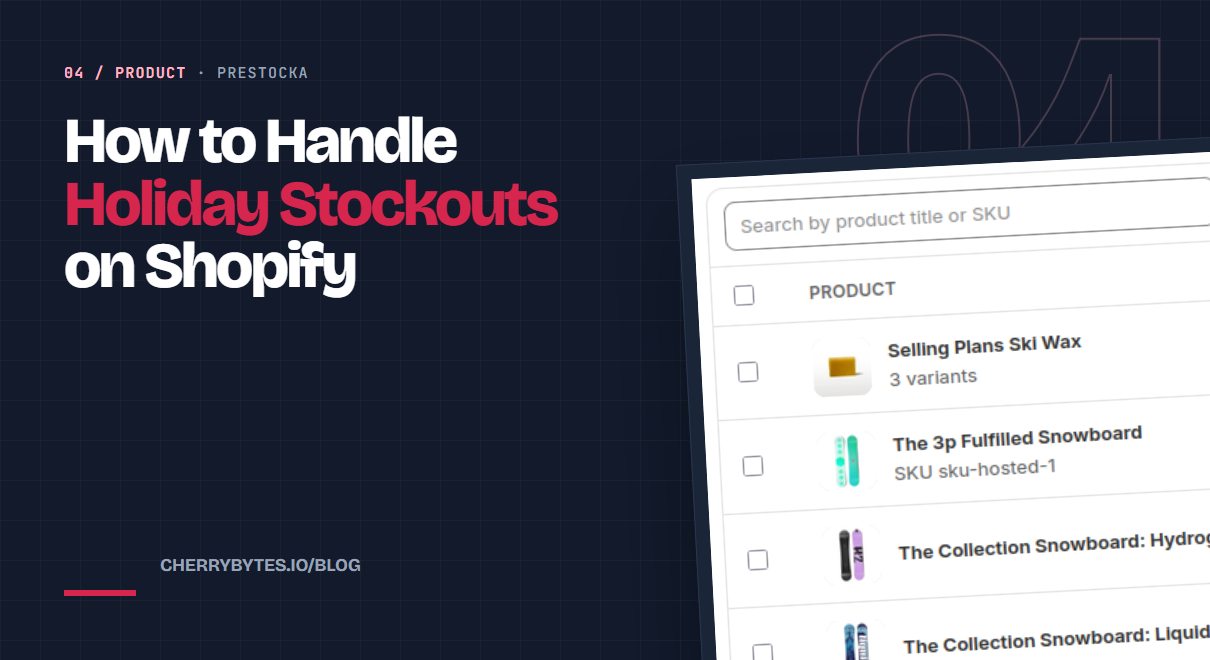
CB Prestocka lets you create preorder offers in bulk or by collection, customize the messaging shoppers see and schedule when each offer starts and ends. Shopify validation controls who can check out with preorder items, so preorders stay on your terms. For products without a date, shoppers join Notify Me lists, and Prestocka sends the alert when inventory returns.
Keep sold-out pages working
Don't delete or hide a product just because it's out of stock for a few weeks. The page still has its search ranking and links, and shoppers still land on it.
- Show what's available: in the Search & Discovery app you can set related products, similar items to the one that sold out.
- Tell search engines the right status: product structured data has separate availability values for out of stock, preorder and back order.
- Offer a gift card: for late shoppers, gift card products are a gift that never sells out.
After the rush: alerts and review
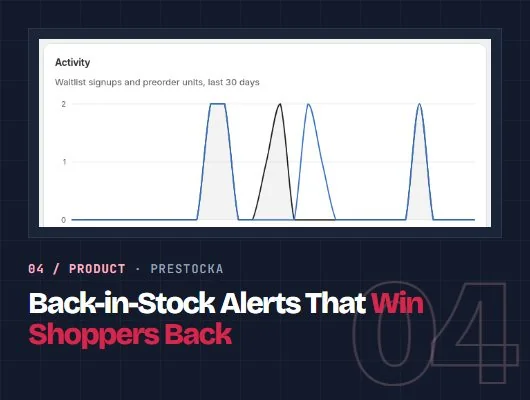
When stock comes back after the rush, the shoppers on your lists are your warmest audience. Prestocka's duplicate-send protection stops a shopper getting the same alert twice, and safety checks hold alerts if a product sells out again. Our guide to back-in-stock alerts that win shoppers back covers what to send.
Then review: which products ran out, how early, and how many signups or preorders each one collected. That's your reorder list for next year. See how Prestocka works in four steps and the Prestocka FAQ, more guides on the CherryBytes blog, and all six CherryBytes apps. Questions? Contact the CherryBytes team.
Questions merchants ask
Should I hide sold-out products during the holidays?
Usually not. A sold-out page still ranks and still gets visits. Keep it live with preorders or Notify Me signups and suggest similar products, so the visit isn't wasted.
Can I take preorders for products that arrive after Christmas?
Yes, if you say so clearly before the shopper pays. You need a reasonable basis for the ship date you give, and if it slips, buyers must be offered the choice to accept the delay or cancel.
How do I know which products will sell out?
Check Shopify's inventory reports, especially inventory remaining per product and inventory sold daily. Holiday demand runs faster than average, so reorder early for your top sellers.