A sold-out product page is a dead end. The shopper wanted the item, found it unavailable and left, and you have no way to tell them when it comes back. A Notify me waitlist turns that visit into a contact, a signal of demand and, when stock returns, a sale.
- Swap the dead-end "Sold out" for a Notify me form that builds a waitlist.
- Treat the restock email with marketing-email care: honest subject, your address, a working unsubscribe.
- Keep the email short: product, variant, price, one button.
- Use waitlist numbers to decide what to reorder and how much.
Why a waitlist beats a sold-out page
By default, Shopify stops customers adding an item to the cart once tracked inventory reaches zero. That protects you from overselling, but it leaves the page with nothing to offer. A waitlist fixes three things at once:
- The shopper has a next step instead of a back button.
- You get a direct way to reach them when stock returns.
- You learn which products and variants people are actually waiting for.
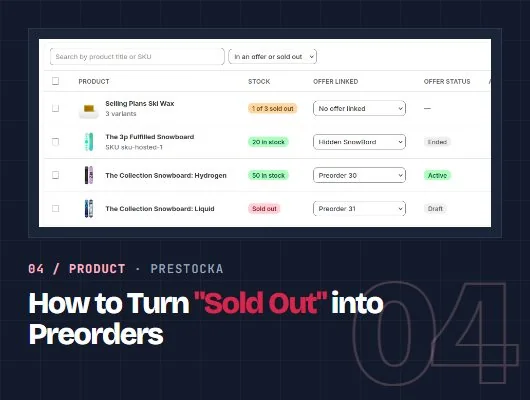
If you are sure a restock is coming and can give a date, you can go a step further and take the order now. Our guide on how to turn "Sold out" into preorders covers shipping messages, cancellation terms and unit caps. Shopify's own Help Center explains how pre-orders work as a purchase option.
Consent, unsubscribe and the rules
A shopper who taps Notify me has asked for one thing: to hear when that product is back. Two rules of thumb keep you on the right side of that request.
Treat the alert as a commercial email
It is tempting to call a requested alert "transactional". The FTC's CAN-SPAM compliance guide reads the transactional categories narrowly and judges a message by its primary purpose. A restock alert promotes a product, so the safe approach is to follow the commercial-email rules: accurate sender details, a subject line that matches the content, your physical postal address, and a clear way to opt out that you honor within 10 business days.
Keep marketing consent separate
Joining a waitlist is not the same as subscribing to your newsletter. If you want to market to waitlist shoppers later, ask for that separately. Shopify's guide to collecting customer contact information shows how the marketing opt-in checkbox records consent. Google's email sender guidelines add a deliverability reason: only email people who opted in, and marketing messages from bulk senders must support one-click unsubscribe.
The shopper gave you permission for one email about one product. Earn the next one.
What to put in a restock email
The job of the email is to get the shopper back to the product before it sells out again. Klaviyo's guide to configuring back-in-stock alert emails pulls in the product name, variant, image, price and link, which is a good outline for any restock email:
- Subject line.Say what happened: "The Linen Shirt in Medium is back". No tricks.
- Product and variant.Show the exact item and size or color they asked about, with its image.
- Price.Show it plainly so there are no surprises on the product page.
- One button.Link straight to the product, or the variant, not your homepage.
- Footer.Your store name, postal address and unsubscribe link.
Send it as soon as stock returns. Waiting a day risks the restock selling out before the people who asked first even hear about it.
Use waitlist demand to plan restocks
Every signup is a shopper telling you what they would buy. Before you place your next order with a supplier, compare waitlist signups per variant with Shopify's inventory reports, such as sell-through rate and days of inventory remaining. A long waitlist on one size is a clear sign to order more of it, and a variant nobody waits for may not need restocking at all.

Set it up with Prestocka and Klaviyo
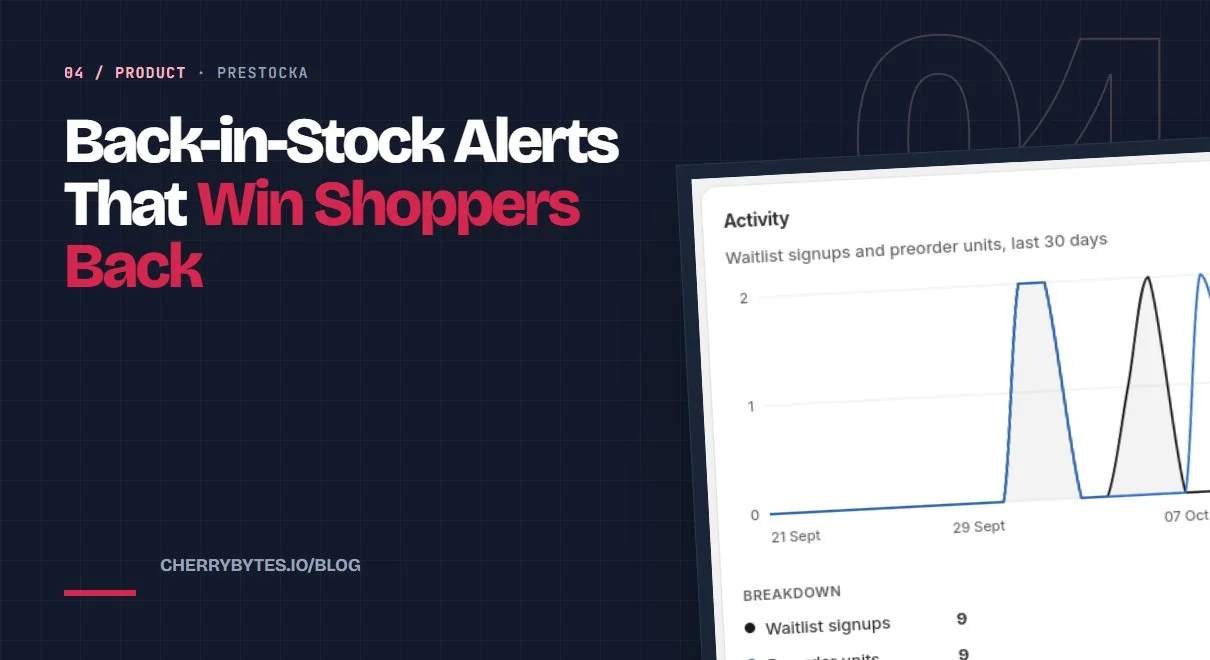
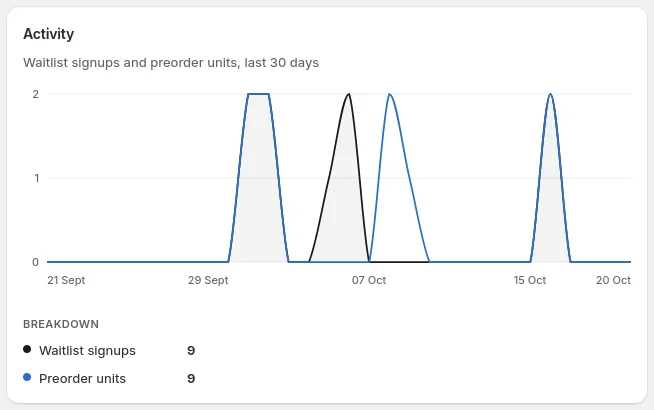
Prestocka adds a Notify me form to sold-out products from the Shopify theme editor, with no coding. When tracked stock returns, it emails everyone waiting, using a restock email you design to match your brand. Its reports show waitlist signups and restock alerts sent, so you can see the demand described above. See how Prestocka works and the full feature list.
Signups can also flow into Klaviyo for your own marketing. If you build follow-up there, Klaviyo's back-in-stock flow guide explains the trigger and suggests keeping the flow short. Send marketing only to shoppers who agreed to it.
Restock emails only work if the link lands on a working page, so check for broken links that quietly cost you sales. For more answers, read the Prestocka FAQ, browse the CherryBytes blog, see all our apps on the CherryBytes homepage or get in touch with the CherryBytes team.
Questions merchants ask
Is a back-in-stock email a marketing email?
Treat it as one. The shopper asked for it, but it promotes a product, and the FTC reads transactional messages narrowly. Include your postal address and a working unsubscribe link, and honor opt-outs promptly.
When should the restock email go out?
As soon as stock returns. In Prestocka, restock emails go out automatically when tracked stock for the product returns.
Can I add waitlist shoppers to my newsletter?
Only if they agreed to marketing. A waitlist signup is a request for one alert, so ask for marketing consent separately.