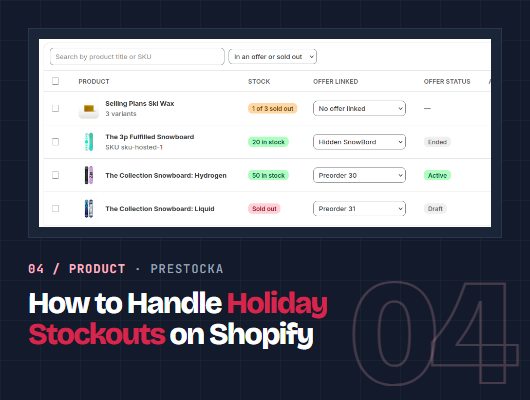
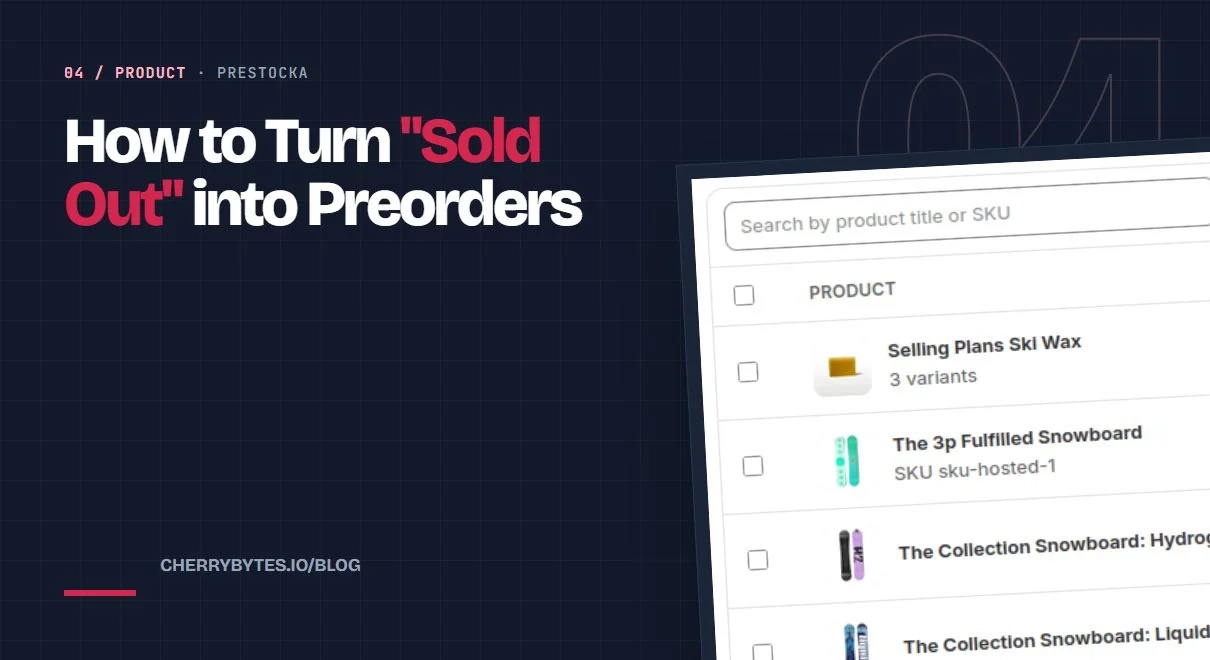
When a product sells out, Shopify shows "Sold out" and the page stops taking orders. A preorder keeps that page selling, but only if the shopper knows exactly what they are buying: when it ships, how to cancel, and that you will not take more orders than you can fill.
- Offer preorders only on products you are confident will come back, with a date you can meet.
- Show the shipping message and cancellation terms before checkout, not after.
- Cap units per variant so preorders never outrun your incoming stock.
- Hold preorder fulfilment until the stock is in, then release orders yourself.
When preorders make sense
A preorder is a promise. It works best when you can keep it, which usually means one of these is true:
- A restock is already ordered and you have a realistic arrival date from your supplier.
- The product is new and launching on a known date.
- You make the item yourself and know your production lead time.
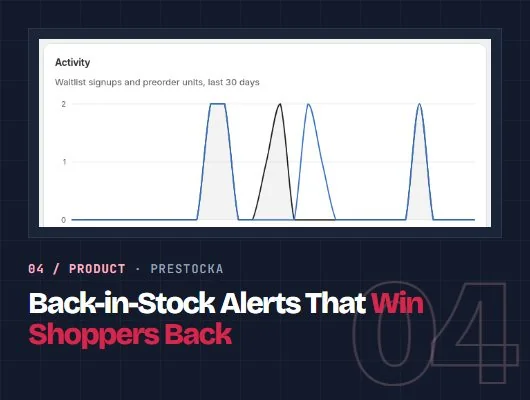
If none apply, a waitlist is safer: shoppers leave an email and no money changes hands. Our guide to back-in-stock alerts that win shoppers back covers that route.
On the Shopify side, preorders are a purchase option that an app sets up for you. Shopify's Help Center explains that pre-orders let you collect full, partial or no payment at checkout and are available to stores using Shopify Payments or PayPal Express. The developer docs on deferred purchase options show the pieces behind it: a delivery policy (as soon as possible, an exact date, or unknown) and a billing policy for any deposit.
Avoid the shortcut of simply ticking "Continue selling when out of stock". Shopify notes that this setting lets customers keep buying once inventory reaches zero, but on its own it tells the shopper nothing about timing.
Set shipping expectations you can keep
Most preorder complaints come from shoppers who did not realize they were waiting. Put the shipping message next to the button and again before payment.
Be careful with the date itself. In the US, the FTC's Mail, Internet, or Telephone Order Merchandise Rule says you need a reasonable basis for any shipping time you state, or for shipping within 30 days if you state none. If you learn you cannot ship on time, you must tell the customer and give them the choice to accept the delay or cancel for a prompt refund. So:
- Give a window ("ships in early March") rather than a precise day you might miss.
- Build in a buffer for freight and receiving.
- Write down who tells shoppers if the date slips, and how.
Write cancellation terms before launch
Decide in advance what happens if a shopper changes their mind or the stock never comes, and put the terms next to the shipping message. Your store's refund policy in Shopify settings is linked from checkout automatically, so make sure it agrees with your preorder terms.
If you do need to call off an order, Shopify's guide to canceling an order shows how to refund a paid, unfulfilled order to the original payment method.
Cap units to match incoming stock
A unit cap per variant is the simplest way to avoid overselling. Set it to the quantity you have confirmed is coming, minus anything already promised. If you are unsure how fast a product moves, Shopify's inventory reports, such as sell-through rate and days of inventory remaining, give you a starting point.
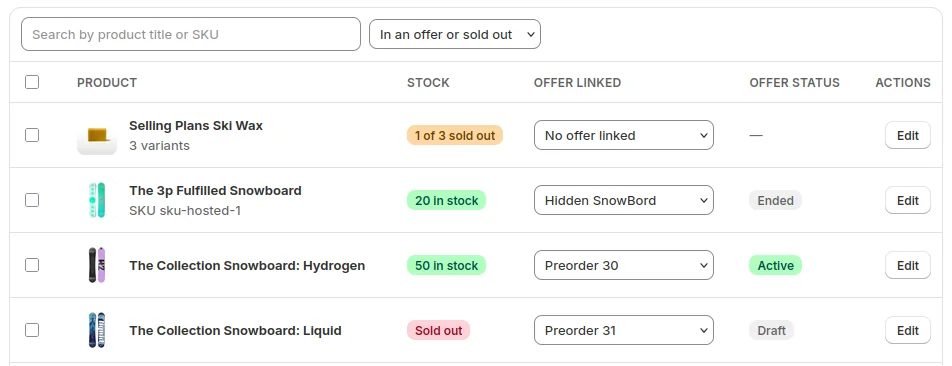
Hold fulfilment until stock arrives
The risk is a preorder landing in the same queue as in-stock orders, where someone tries to ship an item that is not on the shelf. Shopify lets you put an order's fulfilment on hold, with unavailable inventory as one of the listed reasons, and release it when the issue is resolved.

Here is the same flow in Prestocka:
- Add the button.Place the Pre-order button from the Shopify theme editor. No coding.
- Create an offer.Choose products or a whole collection, set your shipping message, cancellation terms and unit cap, and schedule when the offer starts and ends.
- Keep the terms through checkout.A checkout rule keeps preorder items on their preorder conditions, and shoppers see your message and terms before they buy.
- Release when ready.Preorder orders wait in a fulfilment queue. You release them when stock arrives, so nothing ships early by mistake.
You can see the full setup in how Prestocka works and the complete list of features. For other rules that protect orders at checkout, read 5 checkout rules worth setting up on Shopify.
Before a big launch, run a quick Shopify store audit on the pages you will promote. If you have setup questions, start with the Prestocka FAQ or contact the CherryBytes team. More guides are on the CherryBytes blog, and our other apps are on the CherryBytes homepage.
Questions merchants ask
Should I take full payment for a preorder?
It depends on how long the wait is and how certain the date is. Shopify's purchase options allow full, partial or no payment at checkout. Whatever you choose, say it clearly next to the shipping message.
What if my restock is delayed?
Tell shoppers as soon as you know, give a new date, and offer to cancel with a full refund. In the US, the FTC's mail order rule requires you to seek the customer's consent to a delay or let them cancel.
Can I limit how many preorders I take?
Yes. In Prestocka you set a unit cap for each variant, so you never take more preorders than you can fill.