Out of the box, your Shopify checkout treats every order the same way. A large first order from a stranger goes through like a regular's usual basket. A few checkout rules change that, and each one is just a condition and an action.
- Every checkout rule is one condition (cart total, email, order history or country) and one action.
- Use block when an order should never go through, and warn when it just needs a second look.
- Payment and delivery rules don't stop orders. They change which options customers see, and in what order.
- Start small, word your messages carefully and check the results after each rule goes live.
Block or warn: pick the strength first
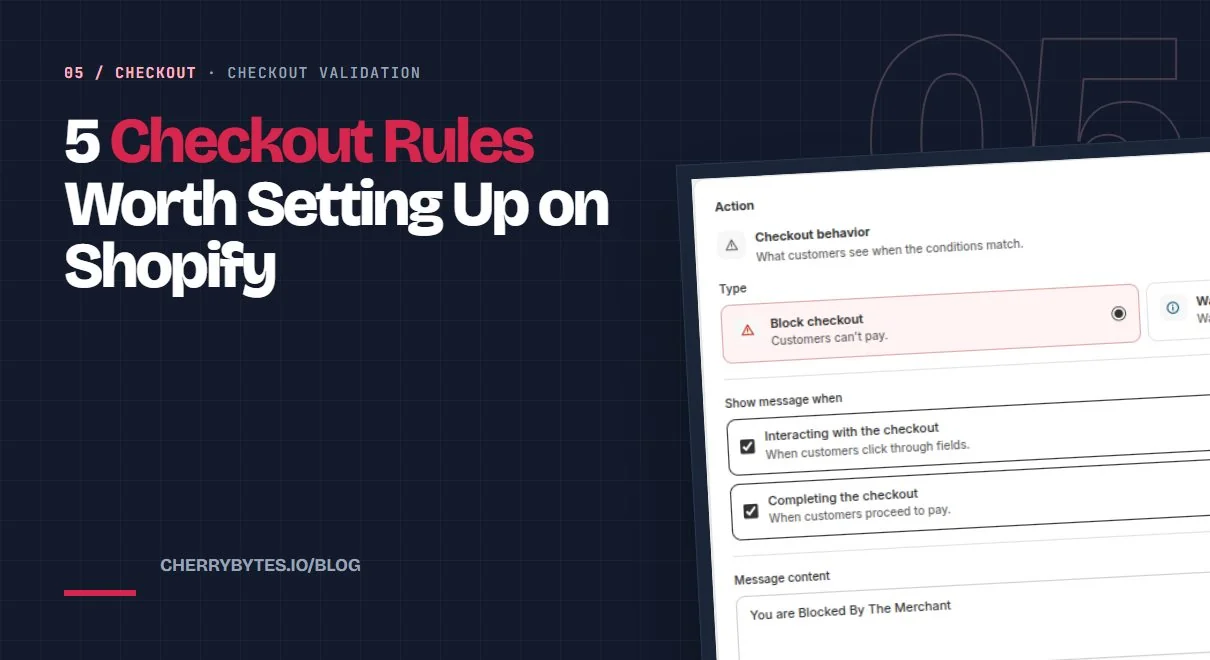
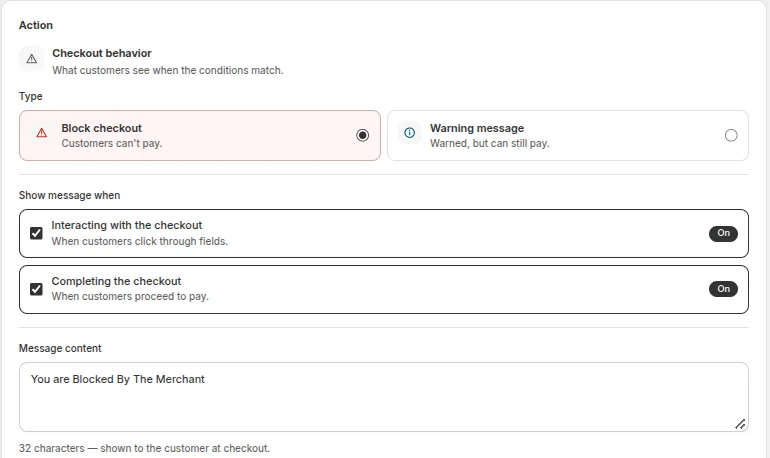
Shopify lets apps add checks that run during checkout through its cart and checkout validation function. When a check fails, you choose how hard it hits:
- Block stops the checkout. The customer can't pay.
- Warn shows the customer a message, but they can still pay.
Block is for orders you never want. Warn is for orders that are usually fine but worth flagging. If unsure, start with warn and tighten later.

Rules that stop risky orders
1. Large first orders from new customers
The problem: a big order from someone with no purchase history is one many merchants want a closer look at, and catching it means checking orders by hand. Some get missed.
The rule: cart total is above a set amount and the customer has 0 previous orders → warn or block.
Watch for: genuine new customers who simply buy a lot. Set the amount well above your typical first order, and lean towards warn. A rule like this sits alongside Shopify's own fraud analysis, which rates eligible orders after they are placed. It doesn't replace it.
2. Emails from a domain you don't serve
The problem: orders keep arriving from the same throwaway email domain.
The rule: customer email contains a specific domain or word → block.
Watch for: matches that are too broad. A short word can turn up inside genuine addresses, so match the full domain where you can. Keep the list short and review it from time to time.
A blocked customer should always know what to do next. "We can't accept this order online. Please contact us" is better than a bare refusal.
Nielsen Norman Group's error-message guidelines agree: name the problem in plain language, offer a next step and don't blame the user.
Rules that steer payment and delivery
These rules never stop an order. They use Shopify's payment customization and delivery customization functions to rename, hide or reorder the options customers see.
3. Your preferred payment method first
The problem: customers see payment methods in Shopify's default order, not the order that suits your business.
The rule: any order (cart total above $0) → show your preferred payment method first.
Watch for: this only changes the order, so every method stays available. Some wallets can't be renamed. For more on this, see how to hide payment methods on Shopify.
4. No expensive delivery for low-margin countries
The problem: an expensive shipping method can wipe out the margin on orders to some countries.
The rule: shipping to a low-margin country → hide the expensive delivery method.
Watch for: make sure at least one other delivery option is still set up for that country in your shipping rates, or customers there will have nothing to choose.
5. Express shipping only above a cart value
The problem: express on a small order costs you more than the order earns.
The rule: cart total is below a set amount → hide the express delivery method.
Watch for: shoppers who need the item fast. Mention the minimum on your shipping page. If you run a free shipping offer, keep the two amounts in step; our guide to setting a free shipping threshold helps. If you reorder delivery options, Shopify keeps the cheapest shipping option as the default.
Before you switch a rule on
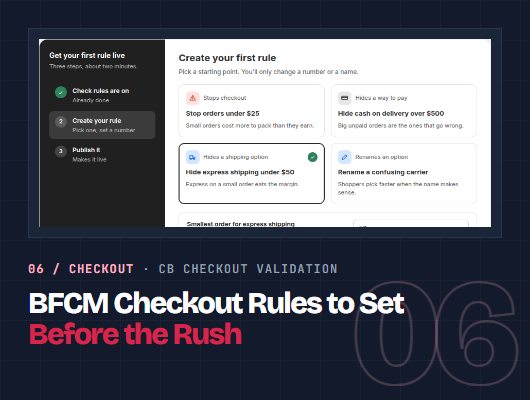
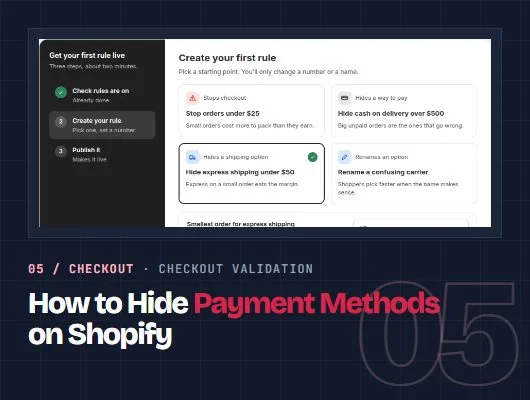
Checkout Validation runs these rules as Shopify Functions. You pick a condition, pick an action and save, and the rule is enforced at checkout straight away. See how the three steps work and the example rules. Because rules go live on save, check this list first:
- The condition matches only the orders you mean, checked against real orders.
- You have chosen warn or block on purpose, not by default.
- The customer message explains the problem and gives a way to contact you.
- Every country still has at least one payment and one delivery option.
- You have placed a test order that should trigger the rule, and one that shouldn't. Shopify's checkout settings help covers test orders.
- You know where to look afterwards: the app's analytics compare real order counts before and after a rule went live.
If you are not sure where your checkout is leaking, a Shopify store audit is a good place to start. More answers are in the Checkout Validation FAQ, more guides on the CherryBytes blog, and all CherryBytes apps on the homepage. Questions? Contact the CherryBytes team.
Questions merchants ask
What is the difference between block and warn?
Block stops the checkout, so the customer can't pay. Warn shows the customer a message, but they can still pay.
Can I hide a delivery method for some orders only?
Yes. Attach the hide action to a condition such as country or cart total, and the method is hidden only for orders that match.
Do I need a developer to set up checkout rules?
Not with Checkout Validation. Every rule is built from a condition-and-action picker, and it takes effect as soon as you save it.