Black Friday falls on November 27 this year and Cyber Monday on November 30. Set up and test your checkout rules well before then, because the rush is the worst time to find out a rule blocks the wrong orders.
- Order volume spikes over BFCM, so checks you do by hand stop scaling.
- Five rules cover most of the risk: quantity limits, large first orders, incomplete addresses, cash on delivery on big carts and express on small ones.
- Test every rule, then stop changing them a week before Black Friday.
- After Cyber Monday, switch off the rules you only needed for the sale.
Why checkout rules belong in your BFCM prep
Shopify merchants made a record $14.6 billion in sales over Black Friday Cyber Monday 2025, peaking at $5.1 million per minute. Whatever your share, the pattern is the same: more orders, arriving faster, from more first-time customers.
That is when manual checks fall behind. Reviewing large first orders, fixing half-finished addresses and cancelling orders that cleared out doorbuster stock all take time you will not have. A checkout rule does the check before the order is placed, every time.

Rules that protect stock and margin
1. A quantity limit per order
The rule: the number of items in the cart is above a set number → block the checkout, with a message that names the limit.
A cap keeps doorbuster stock spread across many shoppers instead of one buyer taking ten. Set the number from your real orders, and show the limit on the product page too.
2. No cash on delivery on large carts
The rule: cart total is above a set amount → hide cash on delivery.
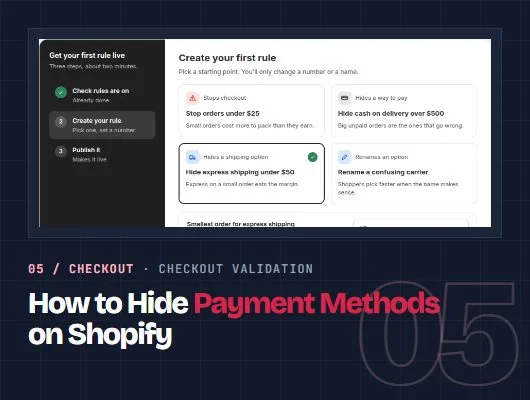
A big unpaid order refused at the door costs you shipping both ways during your busiest week. This uses Shopify's payment customization, so it never stops the order; customers simply pay another way. See how to hide payment methods on Shopify.
3. No express shipping on small carts
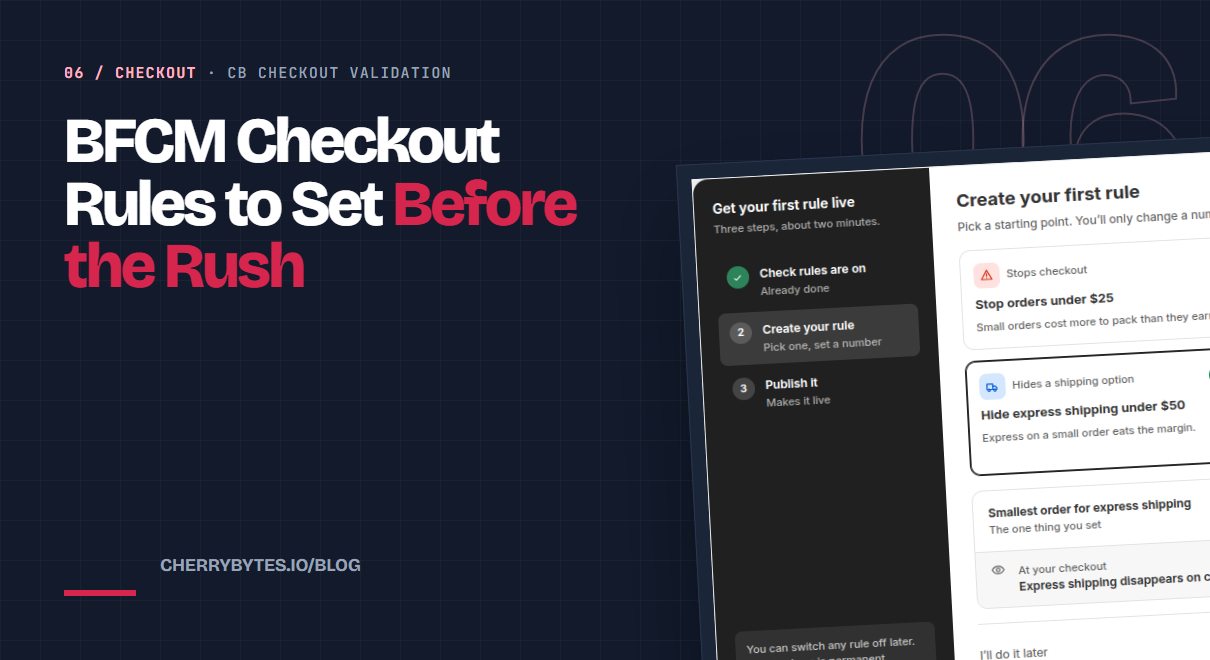
The rule: cart total is below a set amount → hide the express delivery method.
Express on a small, discounted order can cost more than the order earns. Delivery customization hides it only for matching carts. Keep the amount in step with your free shipping threshold.
Rules that catch risky orders
4. A second look at large first orders
The rule: cart total is above a set amount and the customer has 0 previous orders → warn, or block if you prefer.
Most big first orders over BFCM are genuine, so lean towards a warning and set the amount well above your usual first order. The rule works alongside Shopify's fraud analysis, which rates eligible orders after they are placed, and its protection against card testing, where scripts make many small payment attempts to find working stolen cards.
5. A complete street address
The rule: address line 1 is missing what a complete address needs, such as a house number → block, and ask for the full street address.
In peak season an incomplete address means a parcel stuck in a carrier network that is already running late. Catching it before payment is far cheaper.
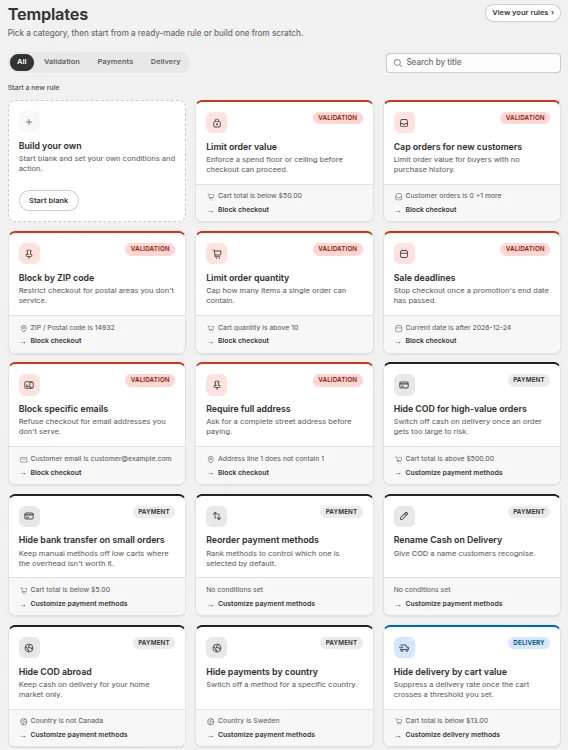
Test every rule, then freeze
With CB Checkout Validation, each rule runs as a Shopify validation function on Shopify's edge, and only after you save it. For each rule:
- Place two test orders.One that should trigger the rule and one that should not. Shopify explains how to place a test order.
- Read the customer message aloud.It should say what is wrong and what to do next, as in Nielsen Norman Group's error-message guidelines.
- Check every country you sell to.Each still needs at least one payment and one delivery option.
- Freeze from November 20.No new rules or edits during sale week unless something is clearly broken.
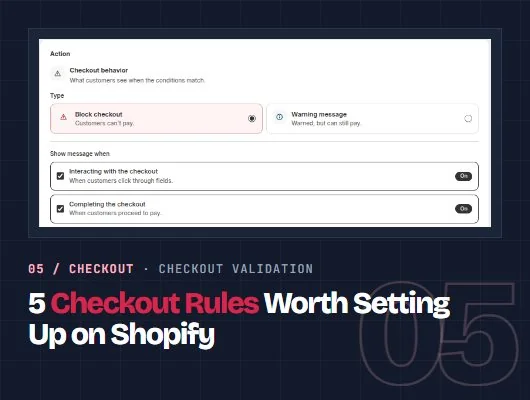
For more ideas, see the example rules and five checkout rules worth setting up.
After Cyber Monday
- Compare what each rule blocked or warned with what you expected. One that fired far more often may be too broad.
- Switch off sale-only rules, such as tight quantity caps.
- Keep rules that earned their place, like the address check, for the holiday shipping weeks.
More answers are in the Checkout Validation FAQ, more guides on the CherryBytes blog, and all six CherryBytes apps on the homepage. Questions? Contact the CherryBytes team.
Questions merchants ask
When should checkout rules be live for Black Friday?
Have them set up and tested by mid-November, then stop changing them about a week before Black Friday, which is November 27 this year.
Should I block or warn on large first orders?
Warn in most cases. Many large first orders over BFCM are genuine, so a warning flags them without turning good customers away.
Will extra checkout rules slow down checkout during the rush?
Checkout Validation runs each rule type as a Shopify Function on Shopify's edge, so checkout stays fast and reliable.