Free shipping over a set amount is one of the simplest offers a Shopify store can make, and one of the easiest to get wrong. Set the line too low and you pay shipping on orders that would have come in anyway. Set it too high and shoppers give up before they reach it. Here is a method that starts from your own numbers, not a rule of thumb.
- Start from three numbers: average order value, real shipping cost per order and gross margin.
- The extra spend a shopper adds to qualify must earn back the shipping you now pay for.
- Check each shipping region on its own, and test one threshold at a time.
- Show shoppers the gap, or most of them will never know how close they are.
Why the threshold matters
In Baymard Institute's checkout research, "extra costs too high (shipping, tax, fees)" is the most common reason US online shoppers gave for abandoning an order, cited by 40% of those who left for a reason other than just browsing.
A free shipping threshold turns that cost into a goal the shopper can reach by adding something they want. It only works for you if the extra spend pays for the shipping you take on.
Start from your own numbers
Pull three figures from the same recent period:
- Average order value.Find it in Shopify Analytics. Shopify defines average order value from gross sales minus discounts, without edits or returns made after the order was created.
- Shipping cost per order.What you actually pay the carrier on a typical order, plus packaging. Use carrier invoices, not the rate you show at checkout.
- Gross margin.The share of each extra dollar of sales you keep after the cost of goods. Use the margin on products shoppers are likely to add.
Unsure your data is clean? Start with a quick store audit, or let Store Health run one.
A worked example
These numbers are made up and rounded; swap in your own. Say your average order is $40, a typical order costs you $8 to ship, and you keep 50% of each extra dollar of sales. With free shipping, you now pay that $8, so the products a shopper adds to qualify must earn at least $8 of margin.
Minimum add-on spend = shipping cost ÷ gross margin. Here, $8 ÷ 0.5 = $16.
A shopper at $40 needs to add at least $16 for the offer to break even. That points to about $56, which you might round up to $60 so it is easy to read and leaves some room.

Before you settle on it:
- Count recent orders already above $60. Those shoppers now get free shipping without spending more.
- Make sure you sell products that fill a $10 to $20 gap.
In Shopify's free shipping discount settings, the minimum purchase amount counts product prices only, never taxes, so model your threshold on product value.
Common mistakes
Setting it too high
If the gap is bigger than anything a shopper would happily add, the threshold stops being a goal. They pay shipping, or they leave.
Setting it too low
A threshold at or below your average order gives most orders free shipping without changing what anyone buys: margin spent for nothing.
Ignoring regions
Shipping abroad rarely costs the same as shipping locally. Shopify groups destinations into shipping zones with their own rates, and a free shipping discount can be limited to specific countries. Run the worked example once per zone that matters.
Forgetting other discounts
Shopify lets you combine shipping discounts with product or order discounts, but only one shipping discount applies per order. During a sale your margin on the add-on is lower, so the break-even add-on is higher. Check any checkout rules that change which delivery options shoppers see, too.
Test it, then review
Treat your first threshold as a test. Change one thing at a time, run it across a normal mix of weekdays and weekends, then compare before and after on average order value, number of orders and total shipping spend. If orders fell, or shipping spend grew faster than order value, adjust and test again.
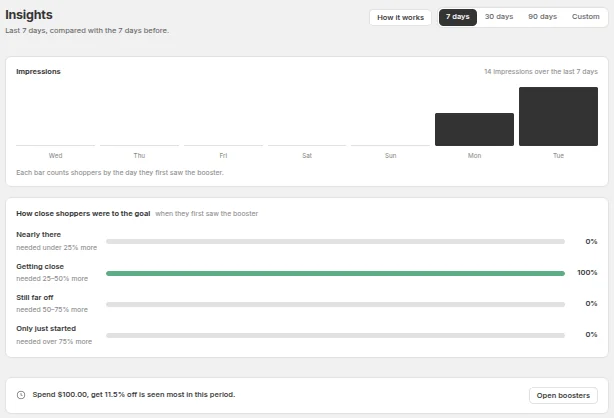
In Order Value Booster, the Insights dashboard shows how many shoppers saw a booster, how many reached the goal and which booster performs best.
Show shoppers the gap
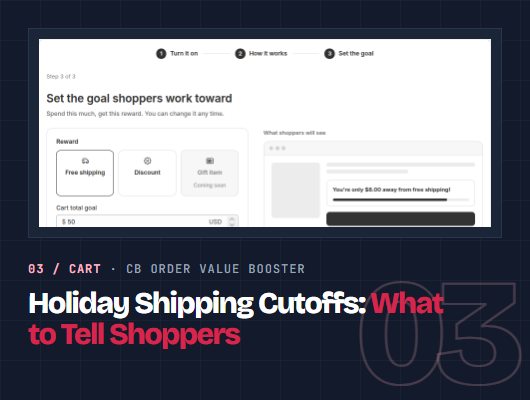
Nielsen Norman Group's visibility of system status principle says a system should keep users informed through timely feedback. A message with the exact amount left, such as "You're only $15 away from free shipping!", tells shoppers where they stand each time the cart changes.
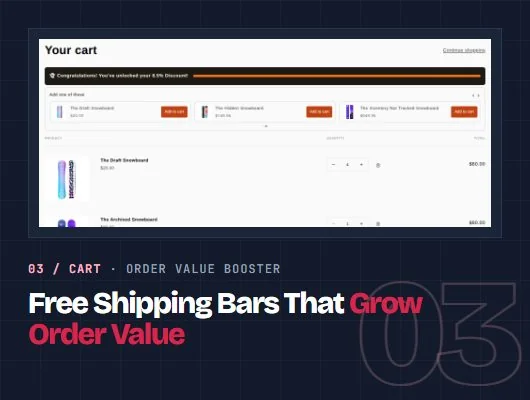
The reward should apply without a code. Shopify automatic discounts apply when the cart meets the requirements. For the design side, read our guide to free shipping bars that grow order value.
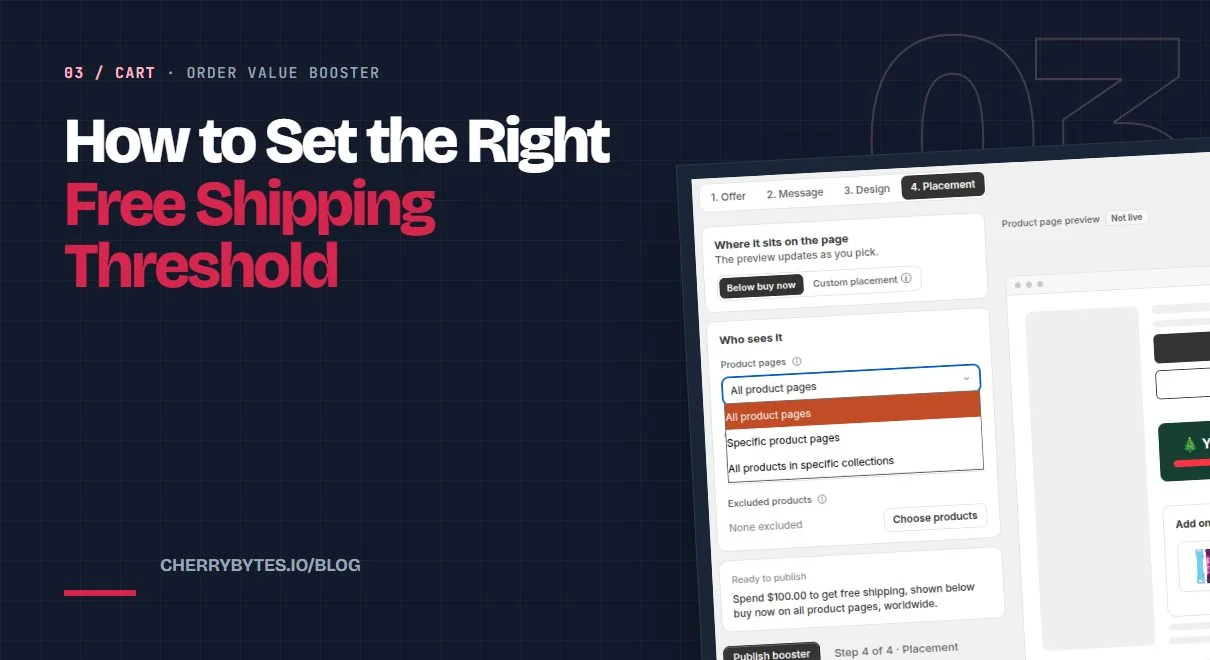
You choose which countries see each booster, so each region can have its own threshold. See how it works, the features and the app FAQ, or read more on the CherryBytes blog.
Questions merchants ask
Should my free shipping threshold be above my average order value?
Usually, yes. Otherwise you give free shipping to orders that would have happened anyway. Set it high enough that the extra spend covers your shipping cost, and low enough that one sensible add-on reaches it.
Can I set different thresholds for different countries?
Yes. A Shopify free shipping discount can be limited to specific countries, and in Order Value Booster you choose which countries see each booster.
How often should I review the threshold?
After each test, and again whenever your carrier rates, prices or margins change, since each of those moves the break-even point.