
AI-assisted validation rules
Set rules that check an order at checkout and stop the ones you do not want, for example by cart total, customer email, order history or country.
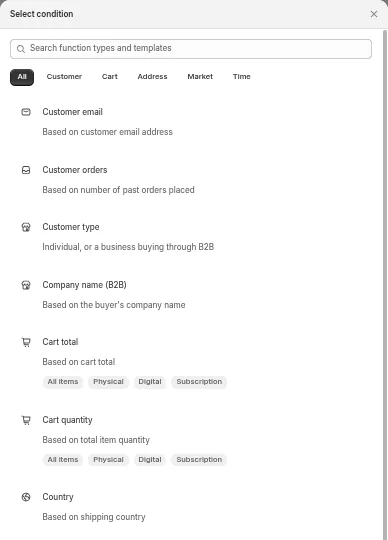
Control your checkout with custom validation, payment and delivery rules. Describe the rule you want and AI builds it. Each rule runs as a Shopify Function on Shopify's edge, so checkout stays fast and reliable.
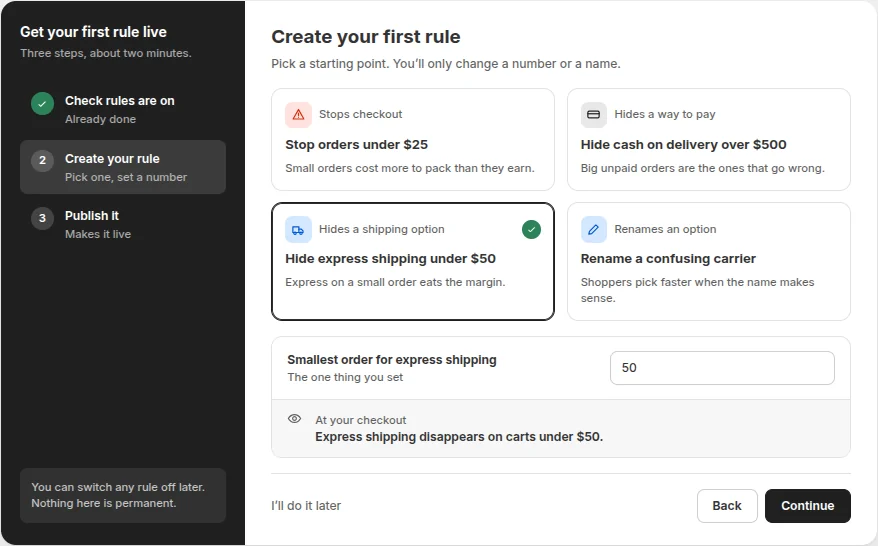
Risky or unwanted orders go through because nothing checks them.
Customers see payment and delivery options in Shopify's default order, not the order that suits your business.
Custom checkout logic usually means hiring a developer.
Any rule you add has to keep checkout fast, because that is where the sale is closed.
AI supports all three rule types: validation, payment and delivery. Describe the rule you want in plain words, such as "block orders over $1,000 from first-time customers," and AI turns it into a ready-to-save rule. AI can also explain in plain language what any existing rule does.
Rules that check an order at checkout and stop the ones you do not want.
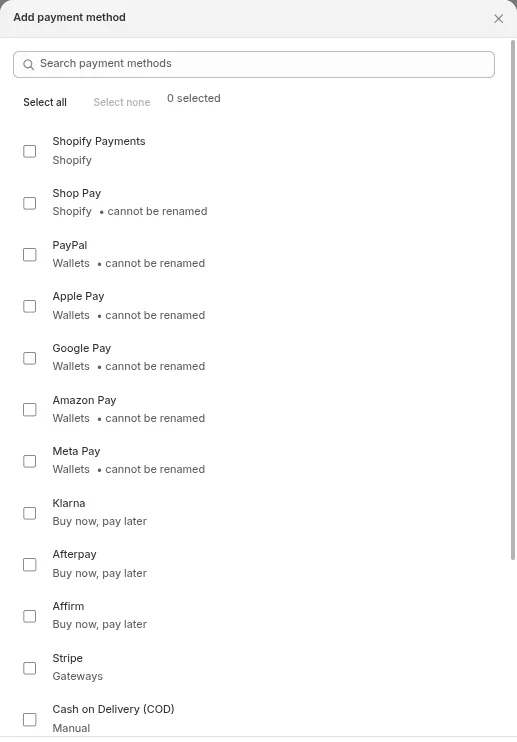
Rename, hide or reorder payment methods.
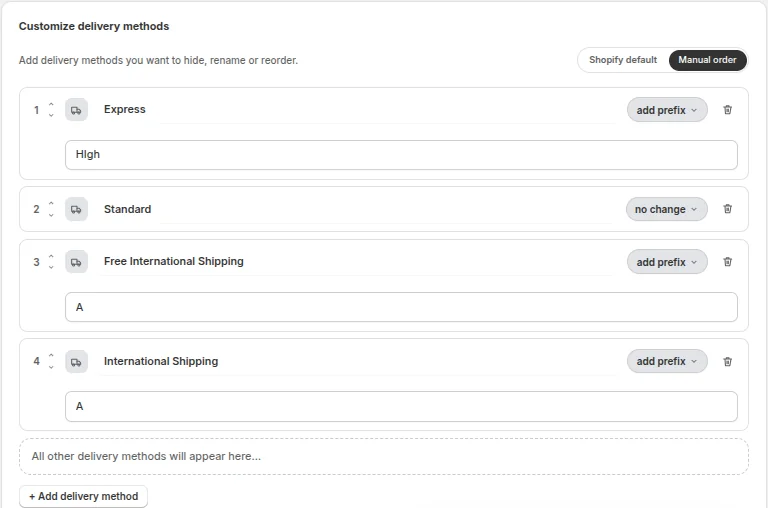
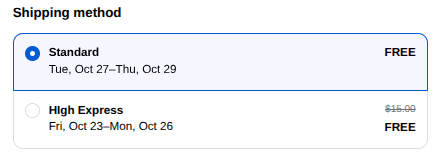
Rename, hide or reorder delivery methods.
Set rules that check an order at checkout and stop the ones you do not want, for example by cart total, customer email, order history or country.
Rename, hide or reorder payment methods, so the option you prefer is the one customers see first.
Rename, hide or reorder delivery methods to steer customers toward the option that fits your margins.
Each rule type runs as its own Shopify Function on Shopify's edge, so checkout stays fast and reliable.
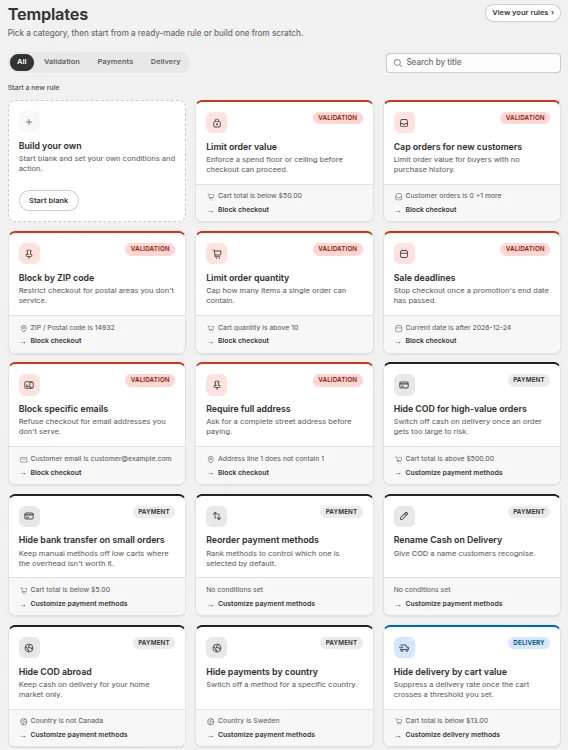
Manage every rule from one admin dashboard, with no code needed.
Cart total is above a set amount and the customer has no previous orders
Warn or block the checkout
Customer email contains a specific domain or word
Block the checkout
Any order
Show your preferred payment method first
Shipping to a low-margin country
Hide the expensive delivery method
validation, payment or delivery.
or build it yourself in the admin dashboard.
The rule runs as a Shopify Function on Shopify's edge.
Describe a rule in plain words and AI builds it for you, ready to save. It can also explain what any existing rule does.
No. Everything is managed from a simple admin dashboard with no code.
Each rule type runs as its own Shopify Function on Shopify's edge, so checkout stays fast and reliable.
Validation rules to control which orders go through, payment rules and delivery rules.
No. A rule only runs after you save it.
Each app installs on its own.
Install CB Checkout Validation from the Shopify App Store.
Install CB Checkout Validation