Most store blogs struggle not because the writing is bad, but because topics are guesswork, posts go out whenever someone has time, and nobody checks the results. Here is a process you can repeat for every post.
- Start from what shoppers actually search for, and outline before you write.
- Write for people first. AI can help, but every draft needs a human check before it goes live.
- Get the details right: a short meta title and description, a readable URL handle, alt text and internal links.
- Publish on a schedule, then use Search Console to decide what to write next.
Pick topics from real search intent
A post ranks when it answers a question people are already asking. Google's SEO starter guide puts it simply: think about the words a shopper might type to find your content, and remember that beginners and experts often use different words for the same thing.
Good places to find those words:
- Questions customers ask in emails, chat and reviews.
- Queries your store already appears for in Google Search Console.
- The comparisons and "how to choose" questions shoppers have before they buy what you sell.
Then decide what the searcher wants. "How to choose a snowboard size" needs a guide; "best beginner snowboards" needs a comparison. Write the post that matches the intent.
Outline first, then write for people
An outline keeps the post on one question. List the headings a shopper would expect, in order, and cut anything that doesn't help answer it.
Google's guidance on creating helpful, reliable, people-first content is the standard. It means content made mainly for people, not to manipulate rankings, and warns against summarizing others without adding value. Your edge is first-hand knowledge: how the product fits, why customers return it, what you would tell a friend.
What Google says about AI-written posts
Using AI to draft is not a problem in itself. Google's guidance on using generative AI content says to fact-check and review AI output for accuracy before publishing, including metadata such as titles and meta descriptions. The problem is volume without value. Google's spam policies name using generative AI tools to generate many pages without adding value for users as an example of scaled content abuse.
Use AI to get to a first draft faster. Then read every line as the expert on your own products.
Get the on-page details right
Once the post says something useful, make it easy to understand at a glance.
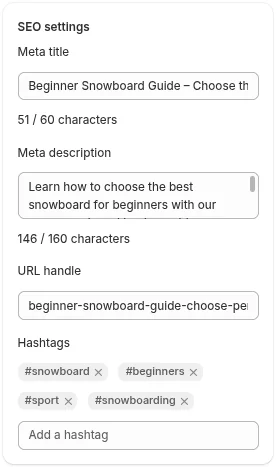
- Meta title. Google sets no length limit but truncates title links to fit the screen, and asks for descriptive, concise titles without keyword stuffing. Shopify's SEO help suggests keeping titles to 60 characters, so put the important words first.
- Meta description. Shopify recommends up to 160 characters. Google may use it as the search snippet when it describes the page well, so write a unique summary, not a list of keywords.
- URL handle. Use a few readable words, such as
choose-snowboard-size. Google's starter guide notes that URLs with only random identifiers are less helpful. - Alt text. Describe what each image shows. Google's image SEO guidance calls alt text the most important image attribute and warns against stuffing it with keywords.
Add internal links and a short FAQ
Link each new post to related posts and pages, and link older posts back to it. Use link text that says where it goes, like "our guide to turning blog readers into buyers", not "read more". Dead links undo the work: broken links quietly cost you sales and belong on any store audit. Store Health runs scheduled scans so broken pages and links surface early.
A short FAQ answers follow-up questions. Add FAQ schema markup if you like, but don't expect a special search result from it: Google's documentation updates record that FAQ rich results stopped appearing in Google Search from May 7, 2026. Write the FAQ for readers.
Publish on a schedule and measure
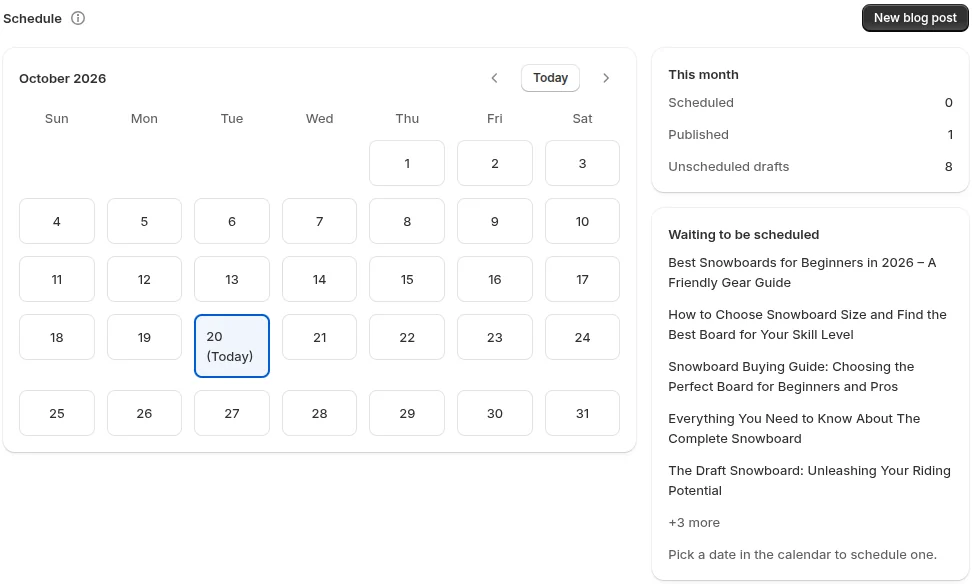
A steady rhythm beats bursts followed by silence. Pick a pace you can keep, such as one post a week, and plan a month ahead.

After a few weeks, open the Search Console Performance report and look at each post:
- Check impressions.They show whether the post appears in search at all.
- Compare clicks.Many impressions but few clicks usually means the title or description isn't convincing. Rewrite them.
- Read the queries.Queries you appear for but have no post about are your next topics.
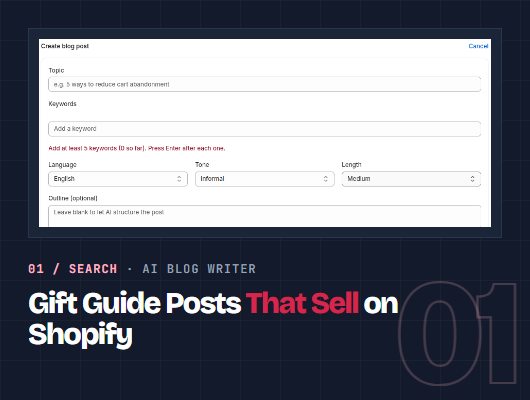
AI Blog Writer runs this loop inside Shopify. Enter a topic and keywords, start from its outline or your own, and it writes the post with a meta title, meta description, URL handle and alt text. Each new post links to at least two existing posts when you have that many, and FAQ sections with schema markup are in beta. You edit everything before it publishes, schedule posts on a monthly calendar, and see clicks, impressions and position per post once Search Console is connected. See all AI Blog Writer features and common questions, or browse the CherryBytes blog and every CherryBytes app.
Questions merchants ask
Will Google penalize a post because AI helped write it?
Not for that reason alone. Google looks at whether content is helpful and people-first. Generating many pages without adding value for users is scaled content abuse, so review and improve every draft.
How long should a meta title and description be?
Google sets no fixed limit and shortens long ones to fit the screen. Shopify suggests up to 60 characters for titles and 160 for descriptions.
Can I edit what AI Blog Writer writes?
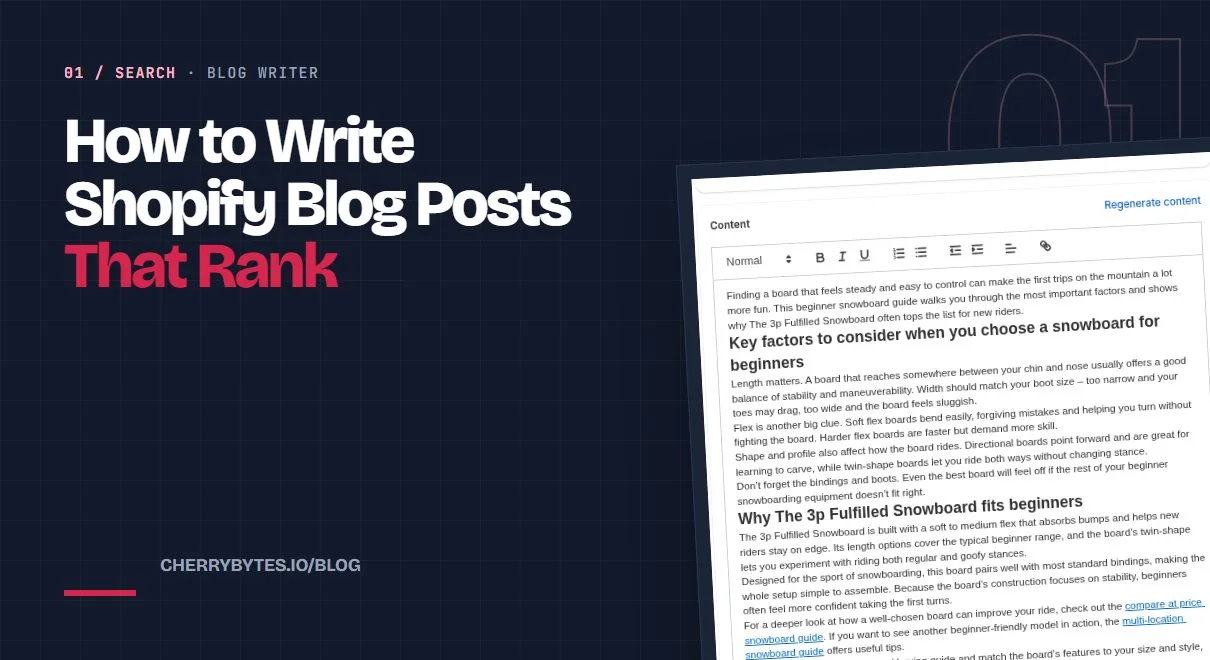
Yes. Every post opens in a rich text editor, and nothing publishes until you choose.