A blog post that ranks well can still leave your store with nothing to show for it. The reader gets their answer, closes the tab and never sees a product. The fix isn't a pushier post. It's giving every post a clear, relevant next step.
- Match each topic to a buying question, so the products you mention are ones the reader needs.
- Feature relevant products and collections in the post, and link to them in natural sentences.
- Link related posts to each other so readers keep going.
- Measure which posts bring visits, and refresh the ones that get impressions but few clicks.
Match topics to buying intent
Some searches are close to a purchase and some are far from it. "How to choose a snowboard size" comes from someone about to buy a board. "History of snowboarding" usually doesn't. Both can be worth writing, but only the first has an obvious product to show.
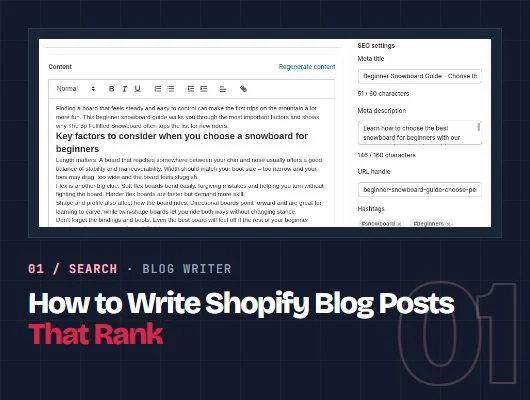
Before you write, ask one question: what would this reader buy next if the post helped? Google's SEO starter guide suggests thinking about the words people use to find your content. Do the same for the products: the post should use the shopper's words, and the products it features should fit the answer it gives. If you are still building your topic list, start with our guide to writing Shopify blog posts that rank.
Feature products and collections where they help
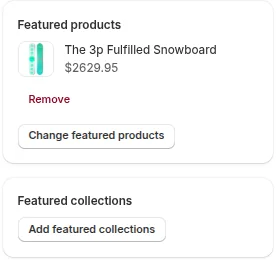
A product belongs in a post when it is part of the answer. A sizing guide can show the boards it talks about. A care guide can show the wax it recommends. A product dropped in at random reads like an ad and gets skipped.
There are two ways to put products in front of readers:
- Product cards. A card with the product image, name and price gives the reader something to tap without hunting for it.
- Links in the text. Link a product or collection where the sentence mentions it, such as "our all-mountain boards collection". Google's link best practices ask for anchor text that is descriptive, reasonably concise and relevant to both pages.
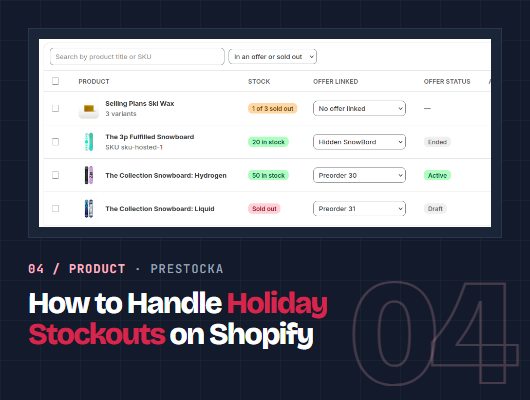
Collections work well for broad topics where the reader hasn't picked one product yet. A single product suits a post that ends with a clear recommendation. Once the reader reaches a product page, Shopify's product recommendations can show related and complementary items. And if a featured product sells out, back-in-stock alerts keep that reader from hitting a dead end.
Link your posts to each other
Not every reader is ready to buy after one post. Internal links between related posts keep them on your store while they make up their mind, and they help Google find your pages: Google recommends that every page you care about has a link from at least one other page on your site.
- Each new post links to two or more related posts.
- At least one older post is updated to link to the new one.
- Link text says what the reader will find, never "click here".
- Every post links to at least one product or collection.
- No link points to a deleted product or an old URL. Broken links quietly cost sales.
Measure which posts lead to visits
You need two views of each post: how it does in search, and what readers do once they arrive.

- Search Console for search.The Performance report shows clicks, impressions, click-through rate and average position, grouped by page or by query.
- GA4 for visits.The Pages and screens report shows views per page path, and the Landing page report shows which posts start sessions.
- Engagement for quality.GA4 counts a session as engaged when it lasts longer than 10 seconds, has a key event, or has at least two page views. Compare engagement rate across posts to see which ones hold readers.
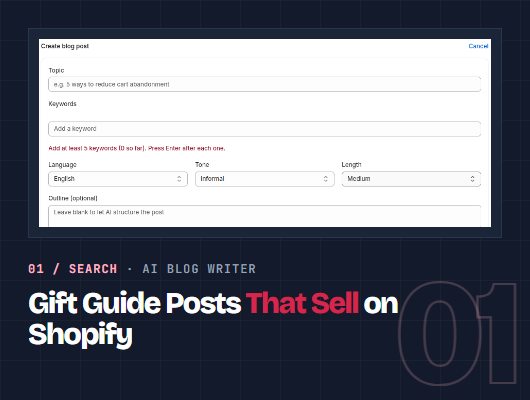
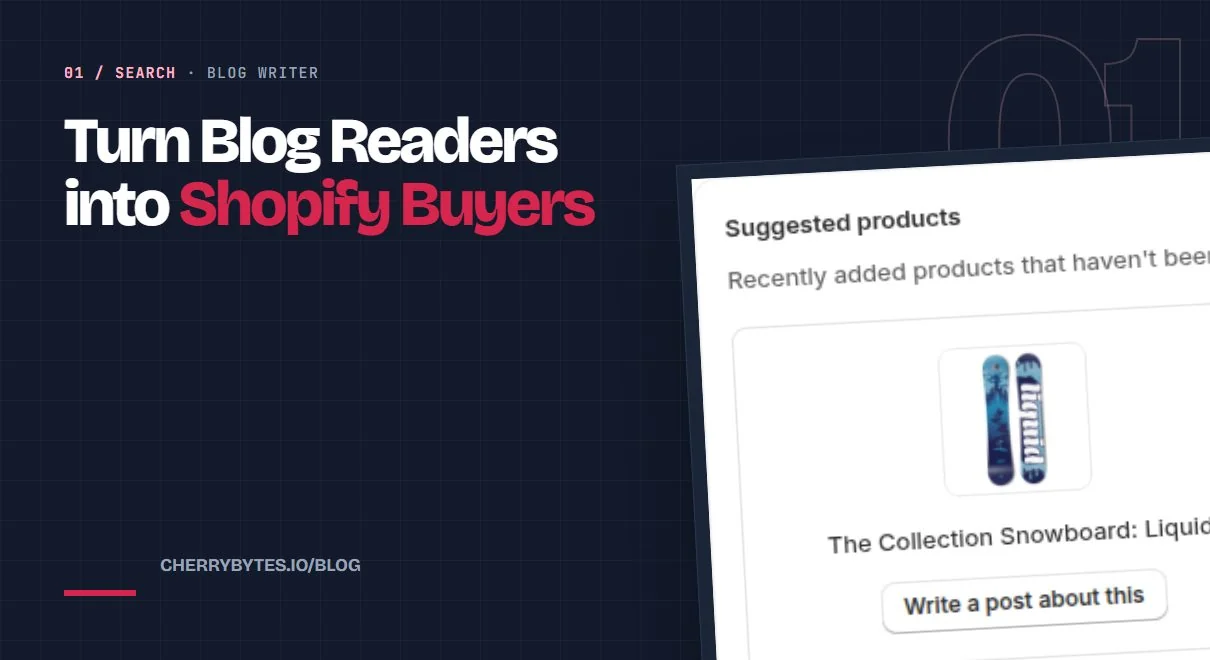
AI Blog Writer brings both into one place. Connect Google Search Console and GA4 and you see clicks, impressions, position and pageviews for each post. When you write, you choose products and collections to feature, the post explains them, and a product card with your own image and price is added when it goes live. Each new post also links to at least two existing posts when you have that many. See how AI Blog Writer works or the full feature list.
Refresh posts that get seen but not clicked
A post with plenty of impressions and few clicks is already ranking. Shoppers see it and choose something else. That is often the cheapest win on your blog.
Fix the posts people already see before you write new ones.
Start with the title and meta description. Google's snippet guidance asks for a unique description that summarizes the page, not a list of keywords. Then check the queries the post appears for in Search Console. If shoppers search for something the post barely covers, add a section that answers it, and link it to the product that fits. Re-check the numbers a few weeks later. For more guides, browse the CherryBytes blog, see all CherryBytes apps, or contact the CherryBytes team.
Questions merchants ask
How many products should one blog post feature?
Only the ones that are part of the answer. One product suits a clear recommendation, and a collection suits a broader guide.
How do I see which blog posts bring visitors?
Use the Search Console Performance report for clicks and impressions, and the GA4 Pages and screens and Landing page reports for views. AI Blog Writer shows clicks, impressions, position and pageviews per post once you connect your Google account.
Does AI Blog Writer add internal links automatically?
Yes. Each new post links to at least two existing posts on your store when that many exist.